iPhone beta · testers wanted
Never run for the train again.
Live London train times, your walk and a safety buffer, turned into one number: the exact minute to leave. Right on your Lock Screen.
FreeNo adsNo accountTfL Open Data
The maths, done for you
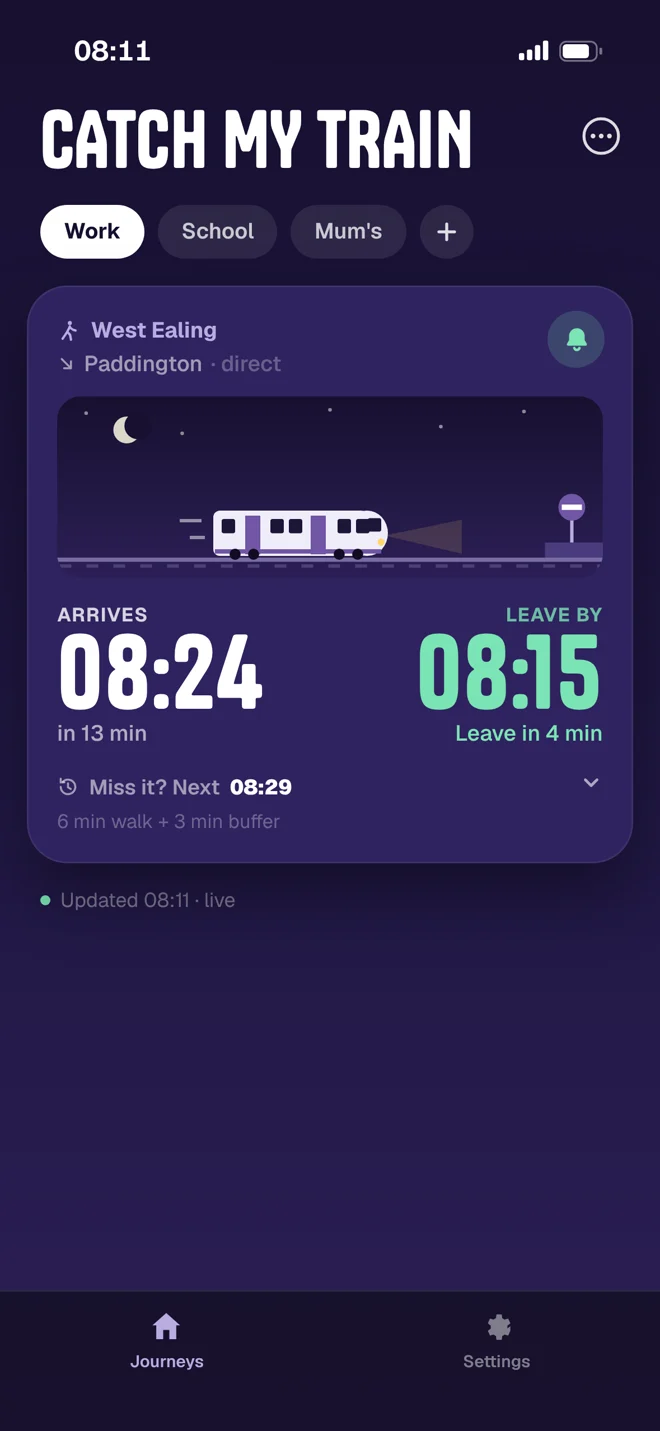
The exact minute to leave.
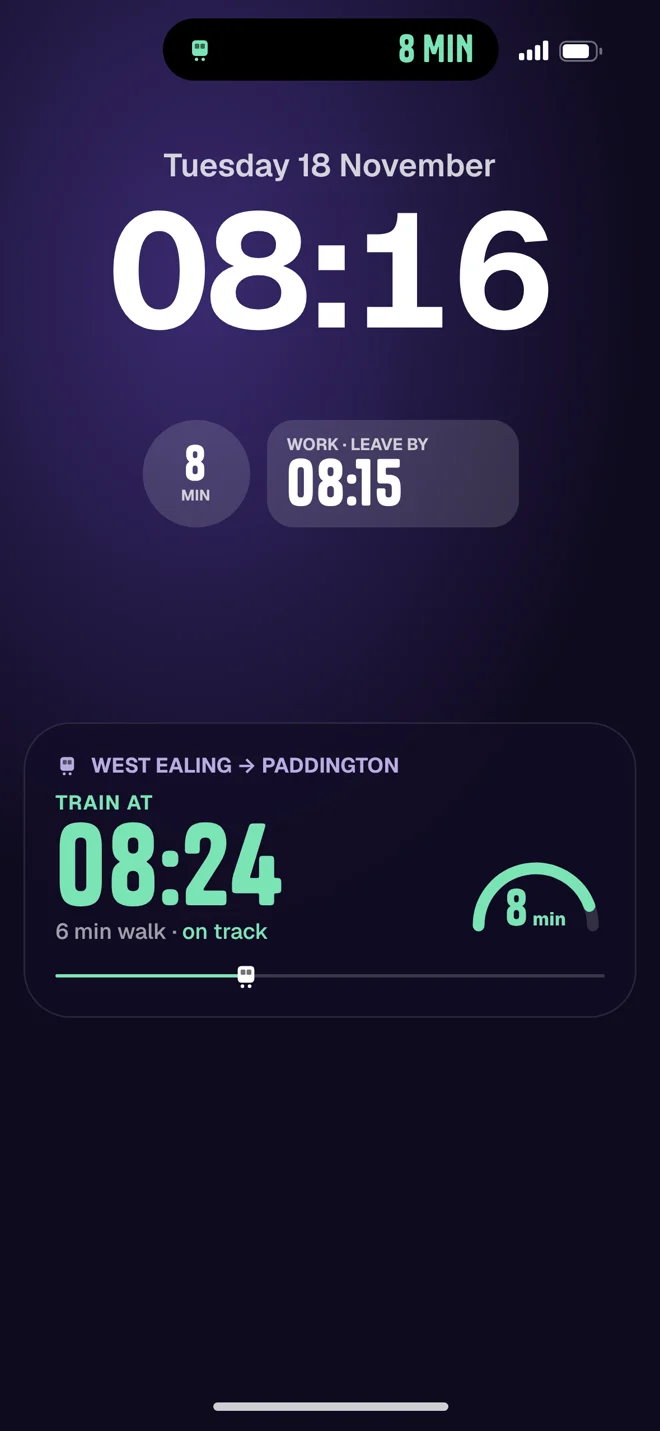
08:24 train−6 min walk−3 min buffer=08:15
Times come live from TfL. If the train's running late, your leave time moves with it, so you get the extra minutes at home instead of on the platform.
Rings even on silent
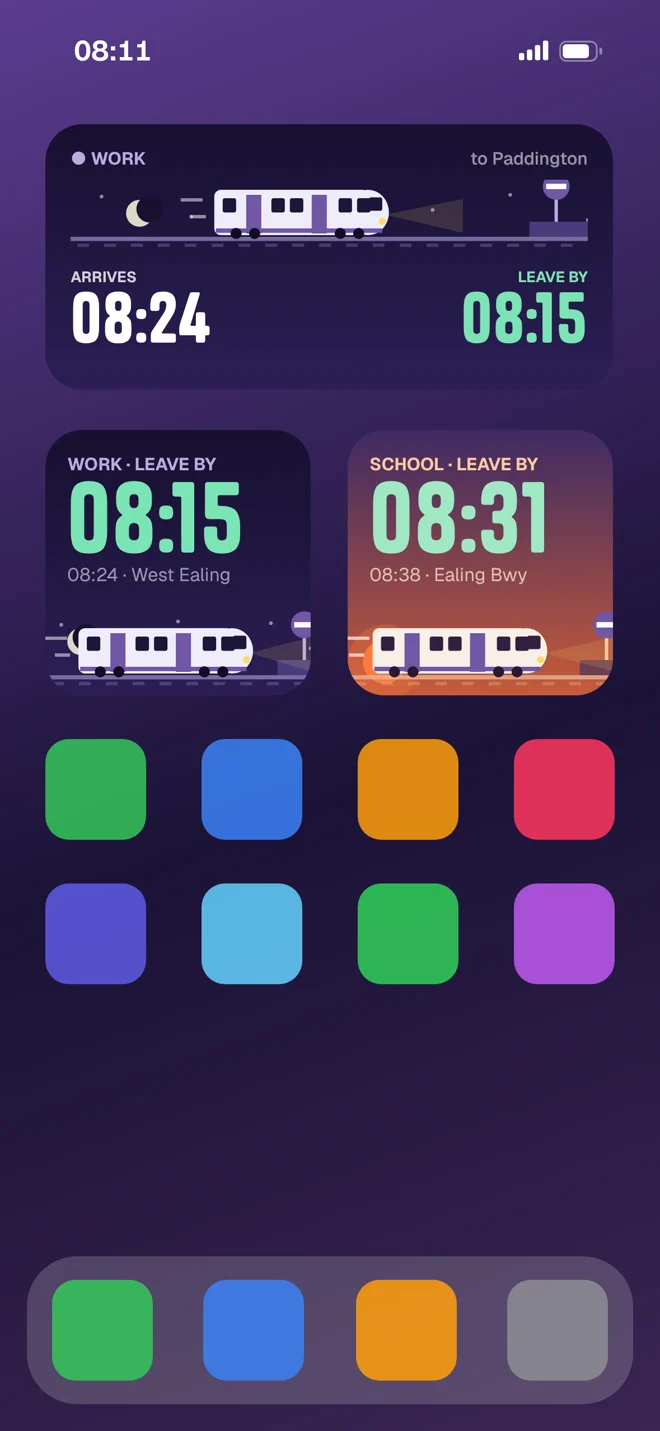
Missed it? Pick a later one.
Tap “Miss it?” to see the next trains, each with its own leave time. Tap the bell on any of them and a real iPhone alarm rings at your leave time — even with your phone on silent.
Live Activity & widgets
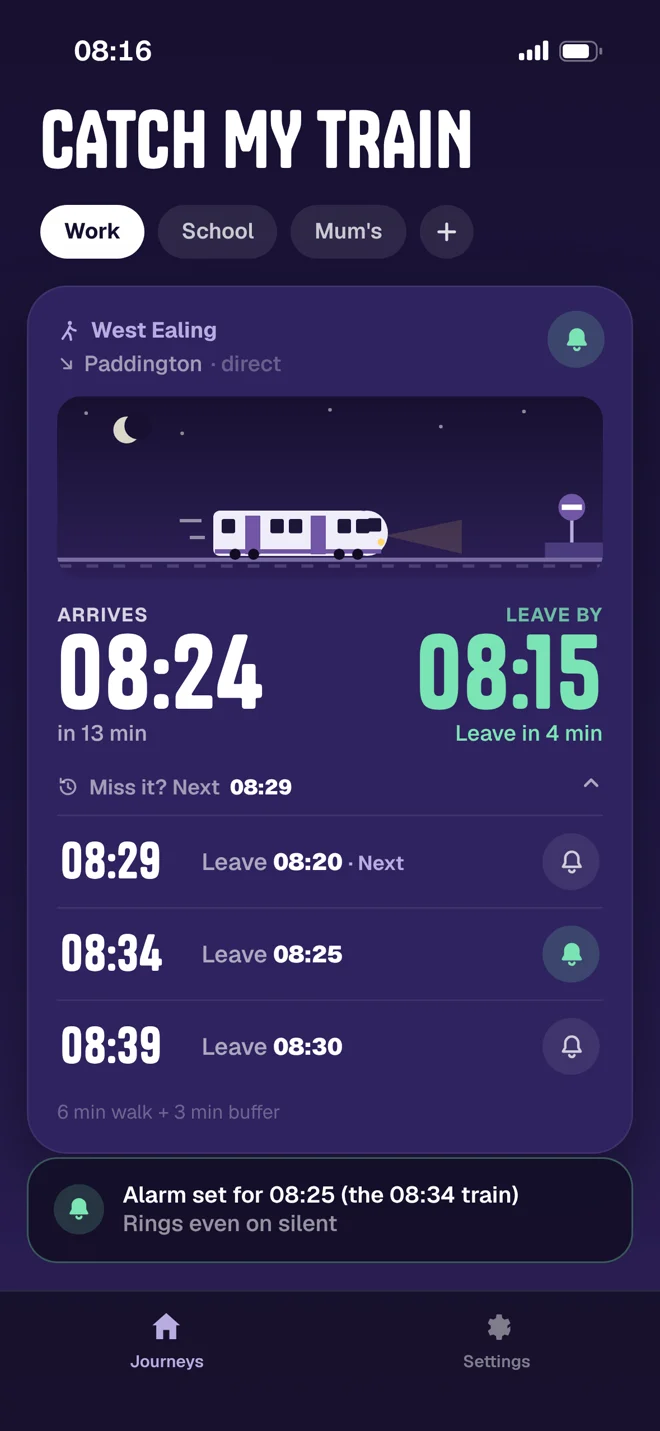
On your Lock Screen.
A live countdown to the platform in the Dynamic Island and on your Lock Screen, plus widgets for your Home Screen. No unlocking, no refreshing.
For everyone at home
One app. The whole family.
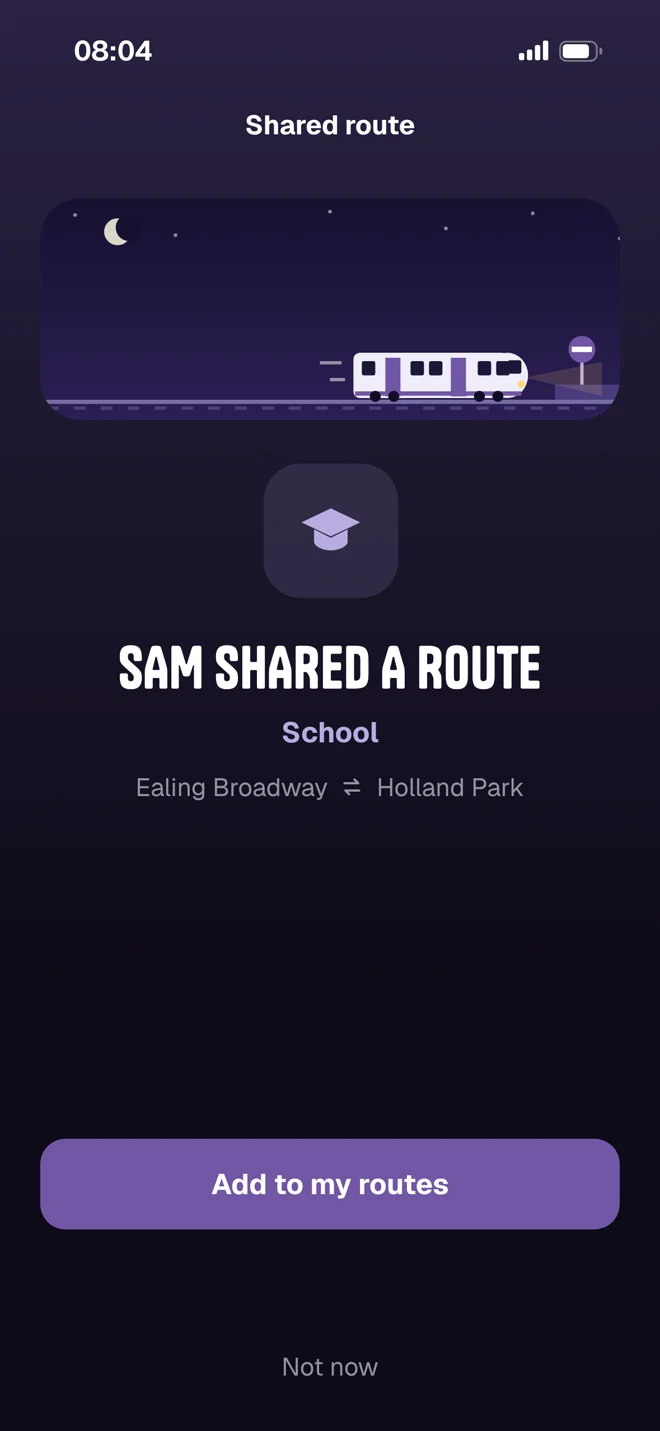
A route each — work, school, Mum's. Share one with a link or QR code and it lands on their phone with their own leave time. No accounts, ever.
Beta testers wanted
Help me test it.
- You need An iPhone on iOS 26 and a London commute
- It takes Two weeks of your normal commute
- You tell me What breaks, what confuses, what you'd change
- You get Free forever, no ads, no account — and your name in the credits if you want
 On a computer? Scan with your iPhone camera to join.